 日本語
日本語
最新の更新 | |
 |
I've had a couple of different SC-3000s, with specs varying by color only (originally I had black, now I have red). I recently grabbed an SC-3000H because a) it is a different color (white) and b) it was quite a reasonable price compared to others I'd seen. 続き⇒ |
最新のゲーム紹介
 立体ゲーム ベースボール・ぴゅう太 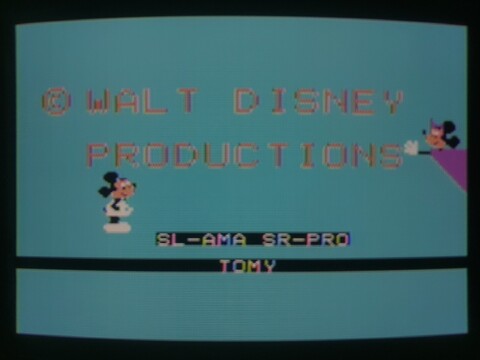 ミッキーアスレチックランド・ぴゅう太 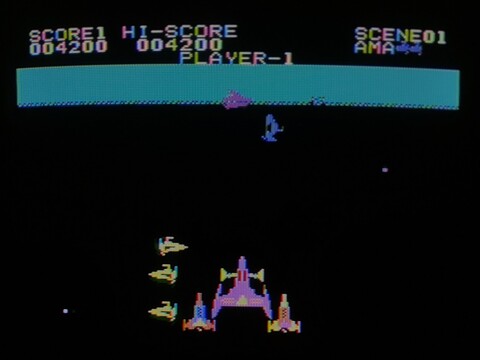 バミューダトライアングル・ぴゅう太 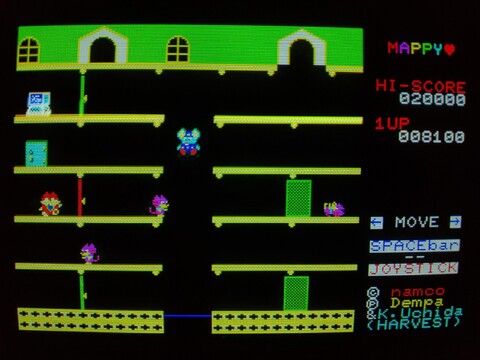 マッピー・X1 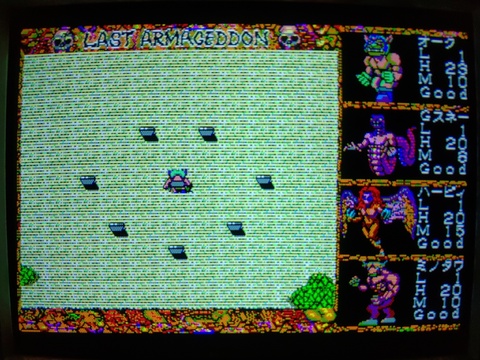 ラストハルマゲドン・MSX2 | |
ランダム記事 | |
 |
I got this calculator as part of an X68030 system set. At first I didn't think too much of it, I've seen these calculators semi-frequently, but I went to do a Google search for it because I wanted to know how people refer to these devices. So I searched for "X68030 電卓" and when I wasn't making any headway with that, I tried "X68030 calculator", but this too returned surprisingly little in terms of reference. 続き⇒ |
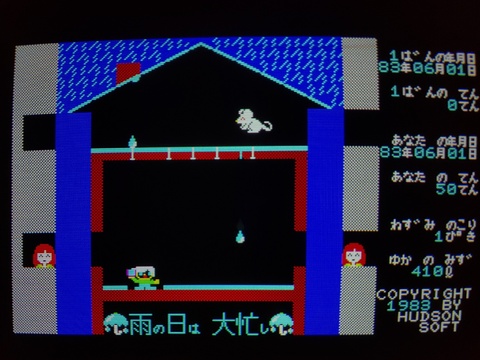 |
Ame no Hi wa Oisogashi (Rainy Days are Really Busy, for a literal translation) is one of the best examples of Hudson Soft's ability to take a random idea and make a great game out of it. You play a tenant who just moved into an old apartment at the beginning of rainy season, trying his best to keep the water out of his home. There is a lot going on in this game. You don't die or lose a life, but once you hit 2500 liters of water on your floor, it's game over. However, you have a variety of ways to slow down the flow, and even bail out some water if you can find the right opportunity. 続き⇒ |
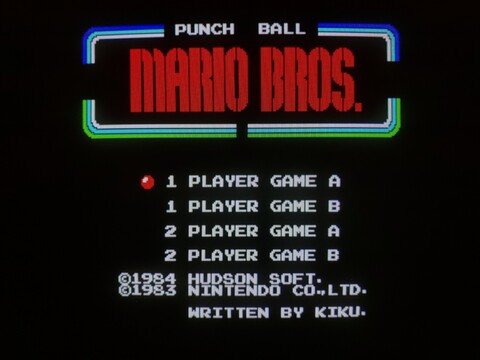 |
Now this is a fairly odd one. It is definitely Mario Bros., but at the same time, kind of different. The main premise of this game is, instead of jumping, you throw a ball at your enemies to flip them over. Then you can kick them off the level like usual. You can still jump, but that’s not the way to kill your enemies. Although kind of counter-intuitive, there is only one button active in this game, so you have to learn the timing to make sure you’re jumping when you want to jump, and throwing when you want to throw. 続き⇒ |
| メーカー | ゲーム |
履歴 |
| 八 ビ ッ ト hachibitto |