 日本語
日本語
 |
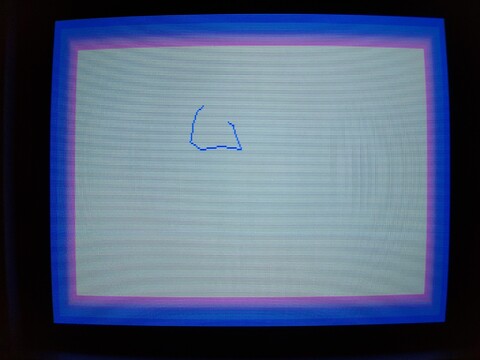
2019年09月29日 - ショーグン:ワープロ・X1ターボZ As I mention from time to time, I enjoy checking out and using productivity apps on my old machines. I recently joined Mercari and I found this little treasure nobody wanted. 続き⇒ |
 |
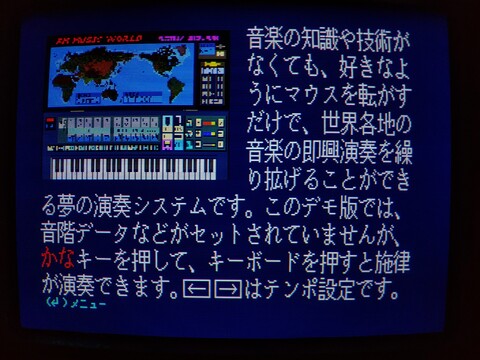
2019年09月13日 - FM77AV20EXの紹介(システムディスク5/5):その他のソフト This final branch of the demo disk is probably the most interesting to me. I love games, but I’m also really interested in 8-bit productivity applications. This highlights some of the productivity apps available for this system. 続き⇒ |
 |
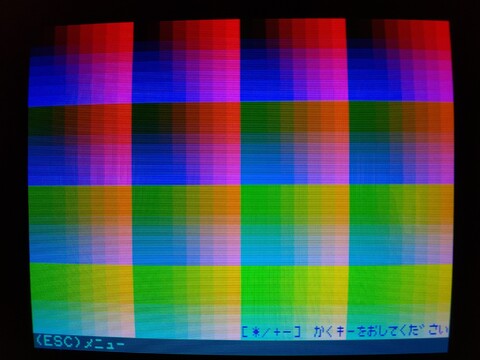
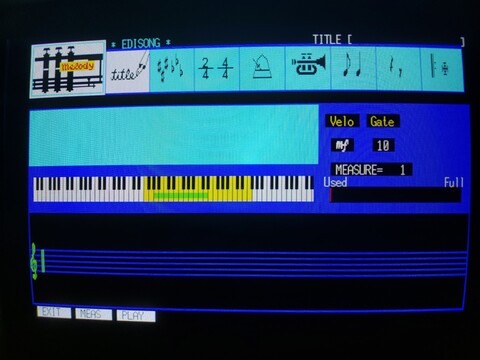
2019年09月12日 - FM77AV20EXの紹介(システムディスク4/5):オーディオソフト As alluded to in the third article in this series, the machine has a 3-voice FM synthesizer (in addition to a 3-voice PSG synthesizer, for a max of six voices at once). I believe you could squeeze the full functionality of this by simply using the PLAY command in BASIC, but I am sure musicians would generally prefer a music composition software package with a GUI that is more intuitive and visual. Fujitsu’s got you covered! 続き⇒ |
 |
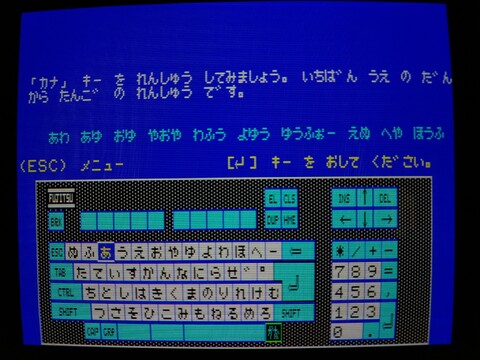
2019年09月08日 - FM77AV20EXの紹介(システムディスク3/5):機能紹介 This begins sort of the core content of the disk. You’ve been warned not to flush your floppy disks down the toilet and you’ve become a master typist, now it’s time to see what makes this computer special! On today’s menu, we have:
– 4096-color generator mode comparison
– 4096 color chart
– FM sound synthesizer
– System specs
– Optional devices 続き⇒ |
 |
2019年09月07日 - FM77AV20EXの紹介(システムディスク3/5):キーボード練習 This is the keyboard practice branch of the menu. It is divided into three sections: alphabet, kana entry, and complex entry including kanji. Keyboard entry should not be so exciting, but I learned some good information here. 続き⇒ |
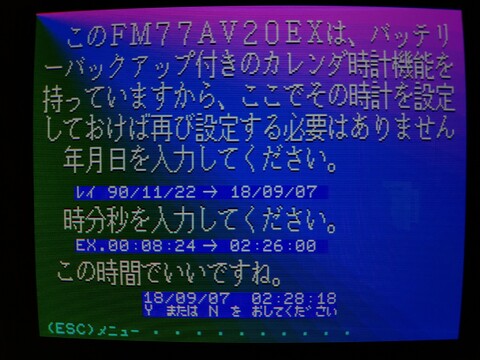 |
2019年09月06日 - FM77AV20EXの紹介(システムディスク1/5):ディスク情報・システム時計 I have gone through every feature of my FM77AV20EX system introduction disk. It is too much information for one post, I feel. So I am breaking it up into five, one for each menu branch. As the first one is the shortest, it will also serve as the introduction. It is also the most boring and least interactive, so if it feels dry, wait for the third, fourth, and fifth articles! I will particularly like the second, but that’s my specific quirk about Japanese text entry. 続き⇒ |
 |
2019年09月05日 - FM77AV20EXのシステムディスク A while back, I posted about a three-pack of FM-77 system disks that I found. I bought them, copied them, then re-copied them just in case, and then resold them. I don’t have an FM-77, but it does work on my FM77AV20EX, and that’s been just fine. 続き⇒ |
 |
2019年07月26日 - タウンズOS・FM TOWNS I received a large bundle of CD images for use with my FM Towns from my friend while I was visiting the US. I burned an image of Towns OS 2.1 L51, which may be the most recent version compatible with my system. This gave me the opportunity to try out Towns OS more in-depth than I’d been able to before. Not having a hard drive is kind of limiting, but there is still much to do with it. 続き⇒ |
 |
2019年07月19日 - FM-77のシステムソフト My FM-77AV20EX comes with BASIC built onto a system ROM, which makes it fast to load up BASIC and play around, and you don’t need anything else to get started using the system. But the BASIC it comes with has a big limitation: you can’t access disks or perform operations on them. This means you can’t format a disk, and while most games that make use of a data disk or save disk include a format utility, I’ve run across at least one that does not. The result was that I couldn’t play the game. 続き⇒ |
 |
2019年05月17日 - ミュージックツール・X1ターボZ Sharp X1 music tools. It includes a tone creator, music composer, music player with a visualization, and a program to link your creations into, if I recall correctly, your programs. It is one of few programs that was made available on 5.25″ HD floppy disks for the system, most used 5.25″ DD disks because it was the lowest common denominator in the X1 series. It also ran at 640×400, which was not so unusual because there were two generations of their systems that could use this higher resolution. 続き⇒ |
| 八 ビ ッ ト hachibitto |