 日本語
日本語
There are many things that can be done on the Sharp X1 Turbo Z, and one of those things is running CP/M and compiling C programs for it. I picked up a legit copy of CP/M designated as being for the X1 Turbo series, and Lifeboat's C programming language for use on CP/M (I believe the C compiler would work on non-Turbo versions of CP/M). Both came in original boxes, and the C compiler came with the manual as well. 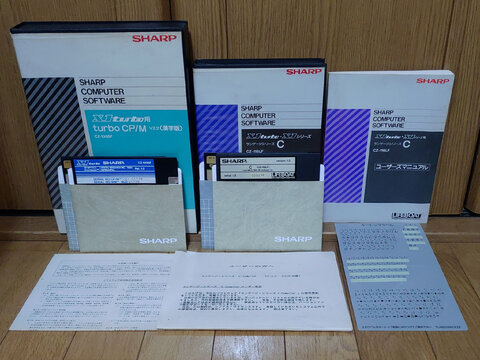 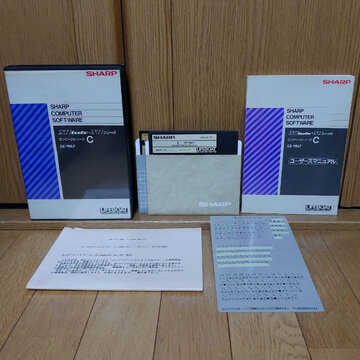 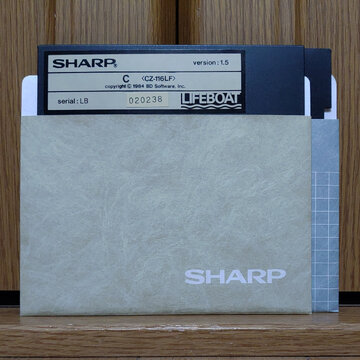 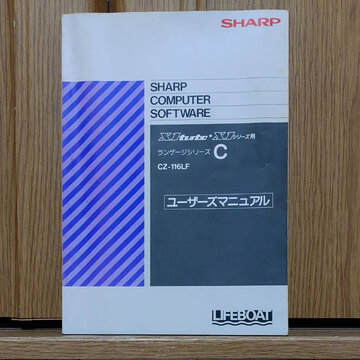 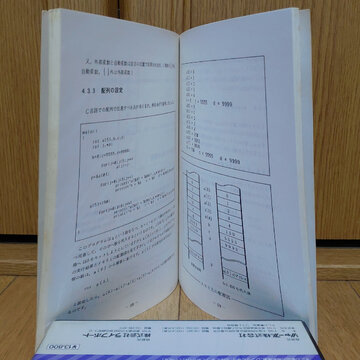 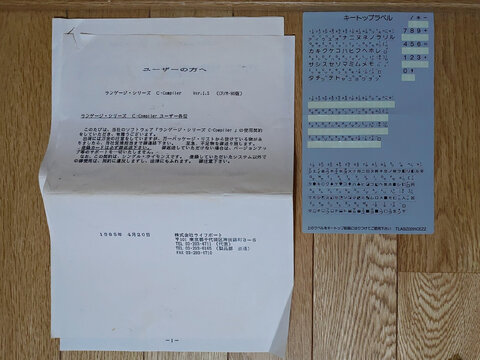 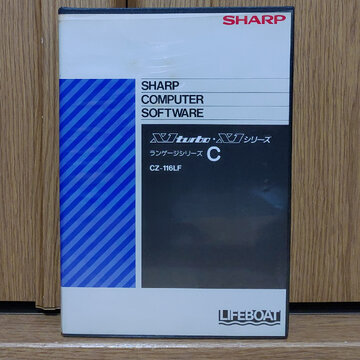 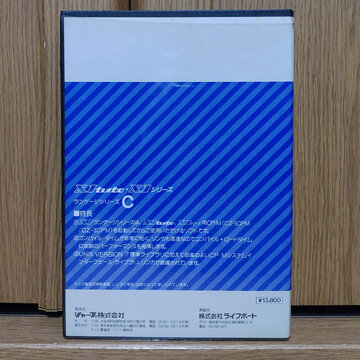 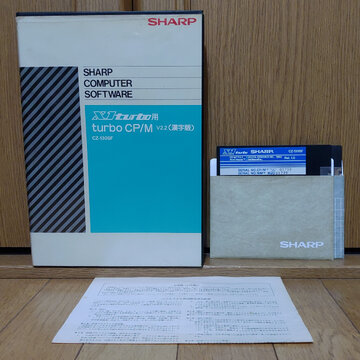 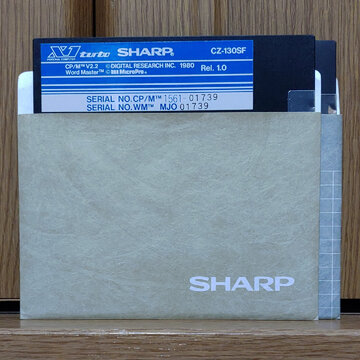  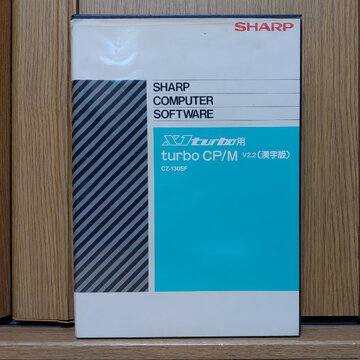 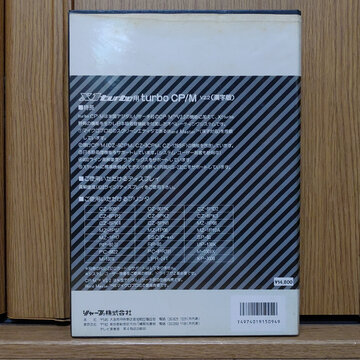 I am not overly familiar with CP/M. I could navigate around it a bit and launch a couple of the built-in programs. I could also activate the kanji input function, which is obviously a unique function of CP/M in Japan vs. the western distributions of CP/M. I can't remember how to activate it, maybe it was the kana key on the keyboard. Then, as was common at the time, you enter a single kana key and search for the target kanji from the options presented to you. 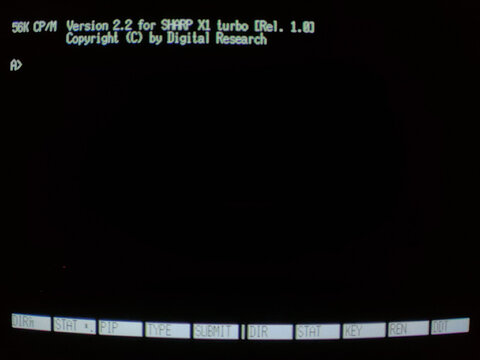 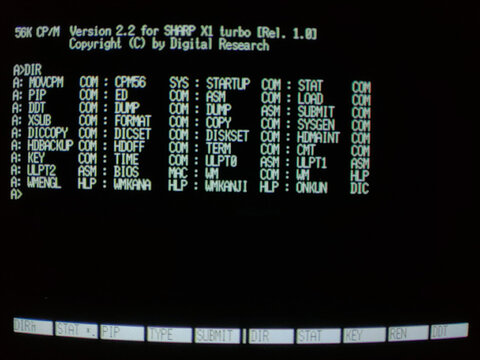 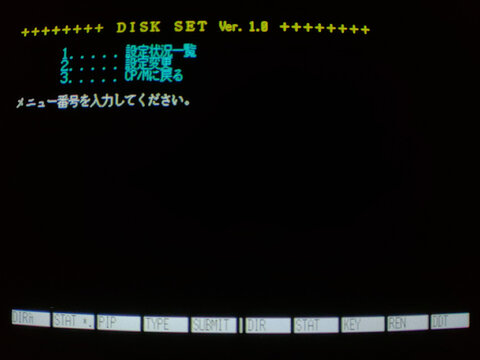 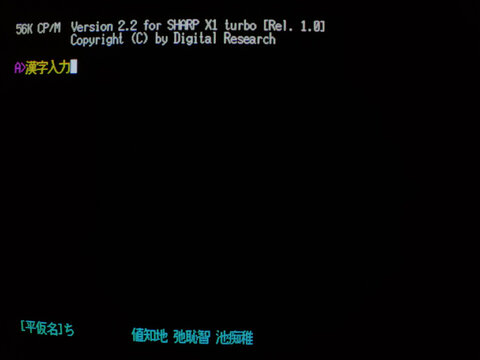 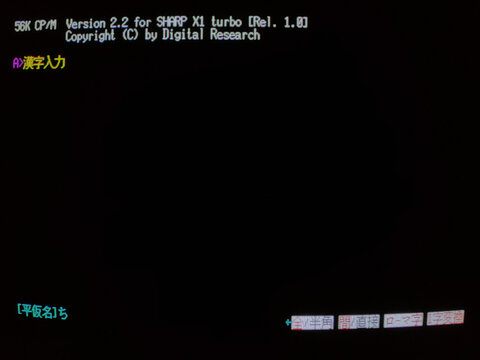 I then tried the C compiler. I can program a "Hello World" type program in C, but not a whole lot else. However, I didn't have the patience to figure out how to do it via a line editor, and I couldn't figure out how to launch a full screen editor from the utilities available, so my experience with the C compiler was compiling one of the pre-input example programs. CC to compile, CLINK to link, and your executable pops out the other end. I chose Othello as my example program. It's pretty simple, I think it would at least benefit from clearing and redrawing the screen every move instead of treating it like a long workflow, but hey, it at least worked and probably more entertaining than Hello World! 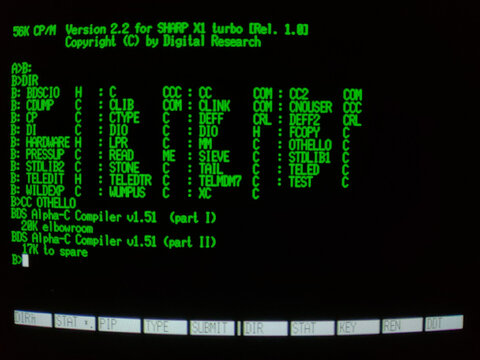 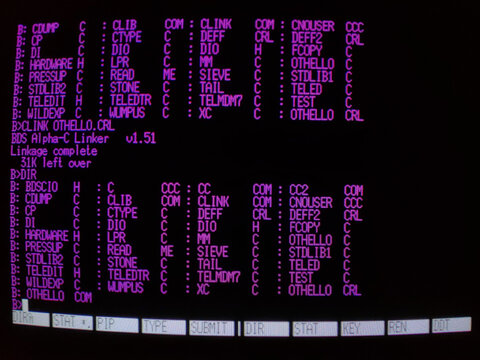 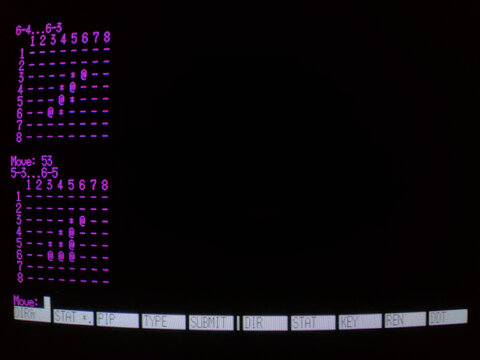 |
| 八 ビ ッ ト hachibitto |